Introducing our NEW Online Scheduling! Make appointments directly from your phone or computer.
Follow the instructions below to register. You must currently be a patient to register.
New patients can call 763.213.0615 or email the clinic to make an appointment!

You can use this QR code to make appointments in the future.
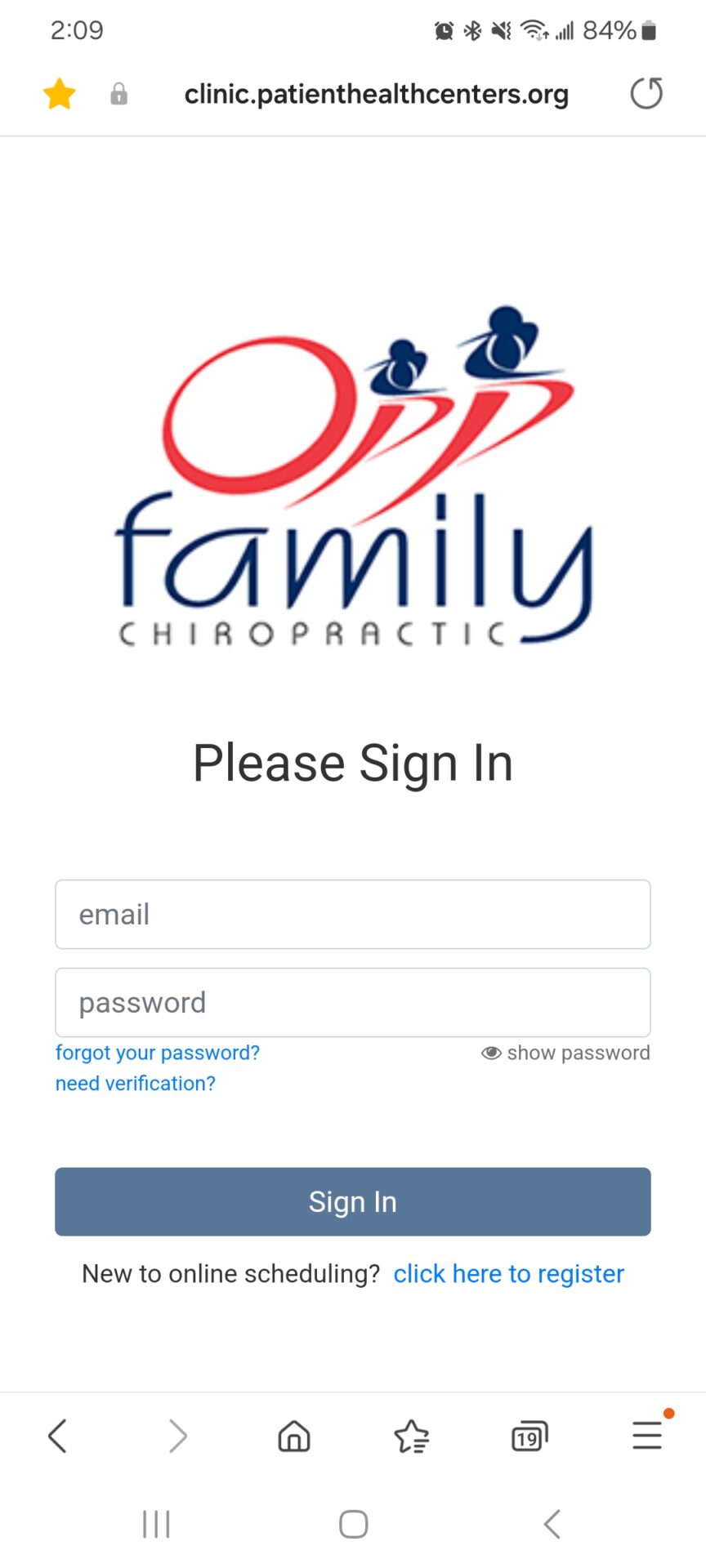
To Register as a first time user, follow these steps:
- Go to this website here or scan the QR code above
- Click on “click here to register”
- Enter your Email address & a password
- Click on Sign up – This will then send you a verification email
- Open the email from “Opp Family Chiropractic”, it may be in your junk folder
- In the email, “follow the link to verify your account” (only valid for 10 min, so do this right away)
- This will bring you back to the website, then click on “Verify”
- You should now be able to login with your email & password and make appointments!
- If you have children, and they are in our system with your address, you will be able to make appointments for them too!